![worldview_logo_header_small.png]](https://worldviewltd.com/hs-fs/hubfs/WorldView%20Files/Images/Logo/worldview_logo_header_small.png?height=50&name=worldview_logo_header_small.png)
Features
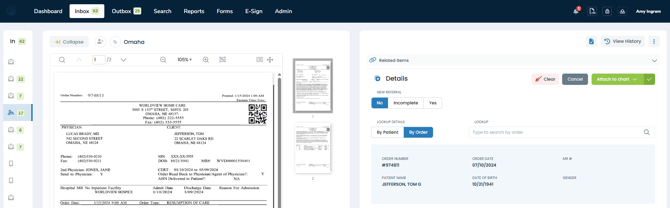
Faster Document and Order Loading - Inbox
Previously, users could experience delays when processing signed orders while waiting for the next order and its associated data to load.
What will change:
Patient and order data now load faster, reducing delays when processing signed orders and moving to the next order.
Improved Speed and Reliability for Document Uploads and Processing
Previously, certain actions in Web Client could be delayed while the system completed background logging tasks.
What will change:
Logging has been improved so that tasks are completed in the background while users continue working. This reduces delays when opening, uploading, and processing documents, without sacrificing the logging itself.
Session Timeout Configuration
Previously, the WorldView Web Client had a default session timeout of one hour.
What will change:
You can now customize your WorldView Web Client session timeout by submitting a support ticket or contacting your CSM.
Bug Fixes
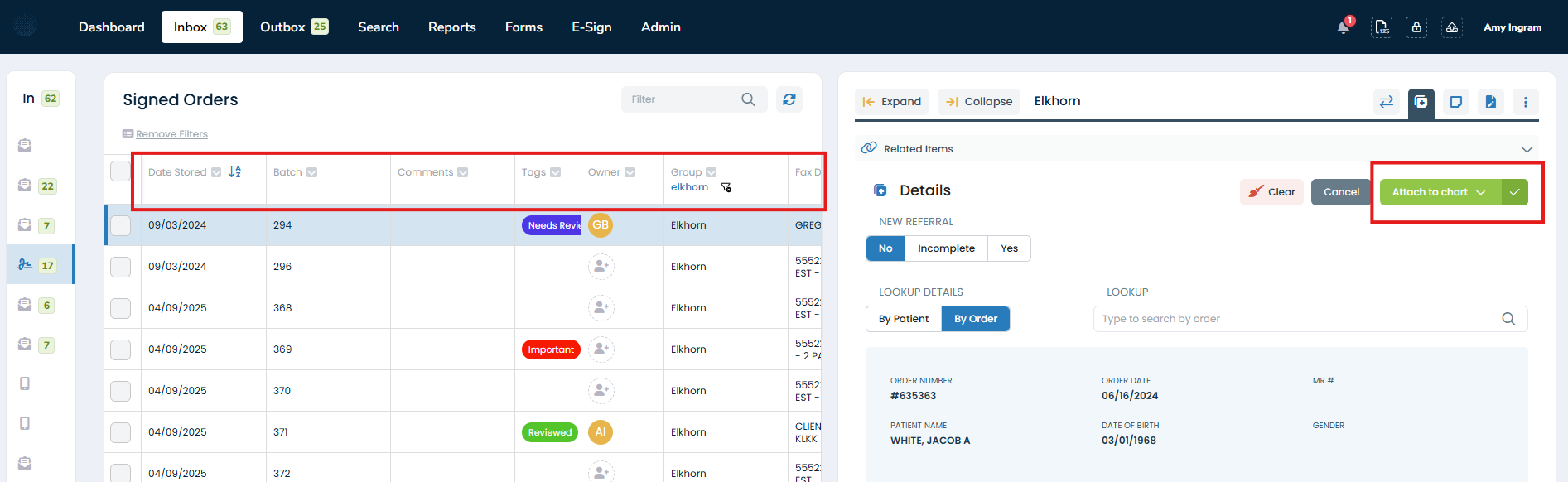
Sorting/Filtering Reset After Processing a Document
Previously, processing a document — for example, attaching it to a chart — could reset a queue's applied sorting/filtering back to its default instead of keeping the user's selected preferences.
What will change:
The queue now retains the user's selected sorting/filtering after a document is processed.
Banner Display Issues
Previously, the in-app release banner's text did not extend to the end of the line, and in some cases the banner covered the Save button on the Edit Documents screen.
What will change:
Banner text now uses the full available width, and the banner no longer overlaps the Save button in Edit Documents.

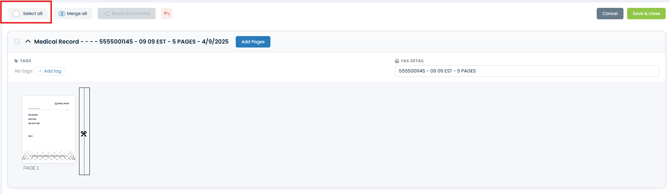
Merge/Split: Select All Button Misalignment
Previously, performing actions such as duplicate, merge, cut, or copy in Merge/Split could cause the Select All button to appear misaligned with the other buttons.
What will change:
The Select All button now remains correctly aligned after these actions.
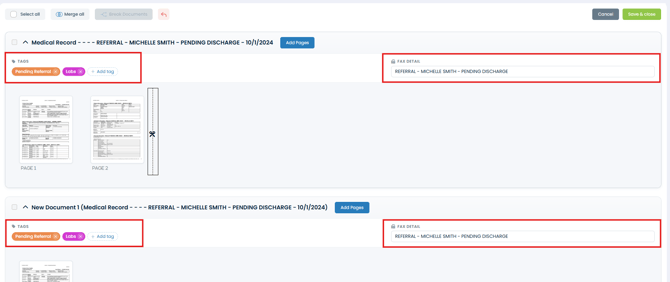
Merge/Split: Tags and Fax Details Cleared When Breaking Documents
Previously, breaking a multi-page document that had tags and fax details into separate documents in Merge/Split would clear those tags and fax details from both the original and the newly created documents.
What will change:
Tags and fax details are now retained on the original document and on all documents created when breaking it apart.
Filter and Group Popup Closing Unexpectedly
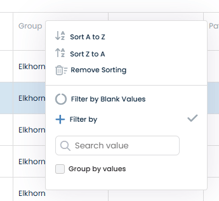
Previously, in Inbox and Outbox queues, the column filter/group popup could close on its own immediately after clicking the icon, sometimes before a selection could be made.
What will change:
The filter/group popup now stays open until the user closes it or chooses an option.
Incorrect Row Count When Filtering Past the First Page
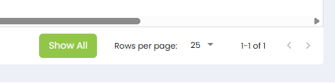
Previously, applying a filter while viewing anything past the first page of a queue could display an incorrect count at the bottom of the screen, such as “26-1 of 1”.
What will change:
Applying or changing a filter now always shows the correct count at the bottom of the screen.
Thumbnail View Display Issue
Previously, opening a document in full view from the Inbox and resizing the Chrome window without maximizing it could break the thumbnail view.
What will change:
The thumbnail view now displays correctly when the browser window is resized.